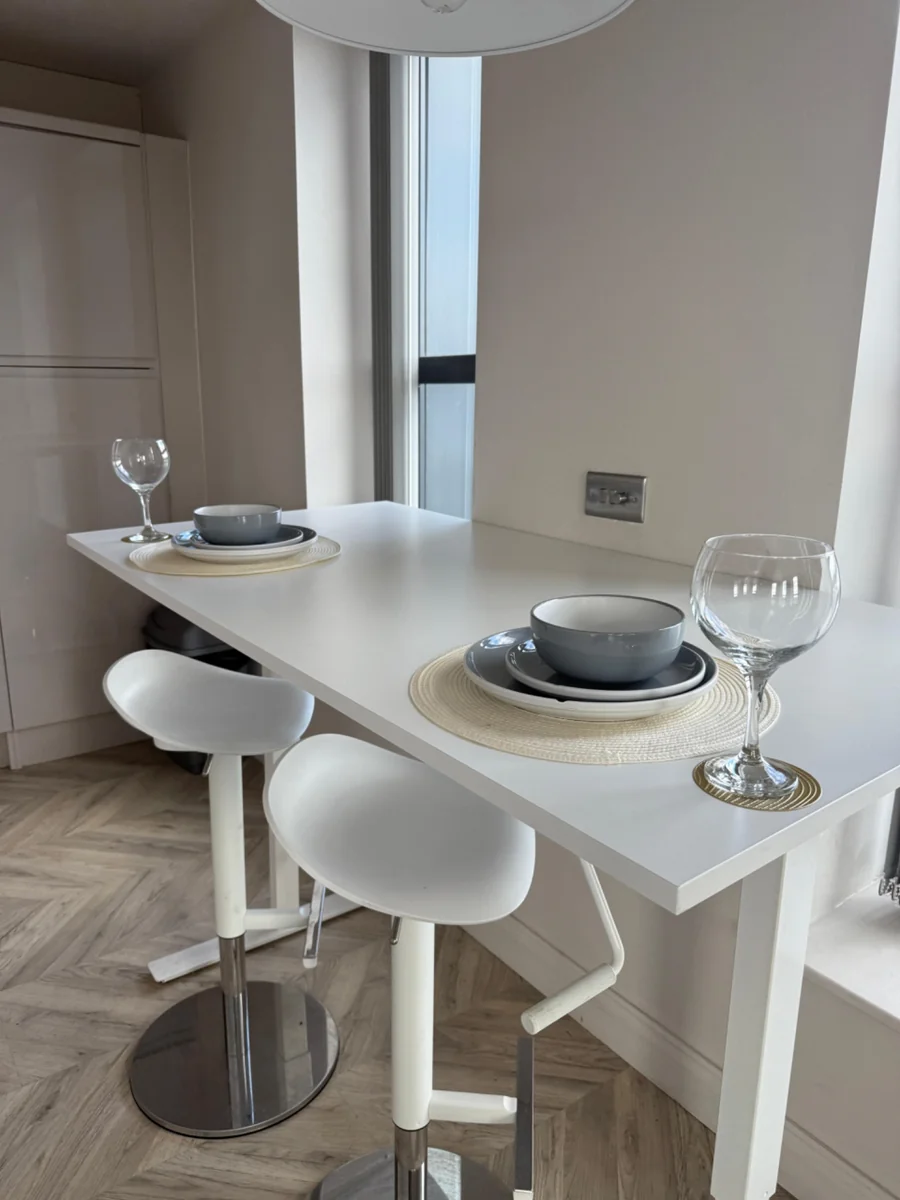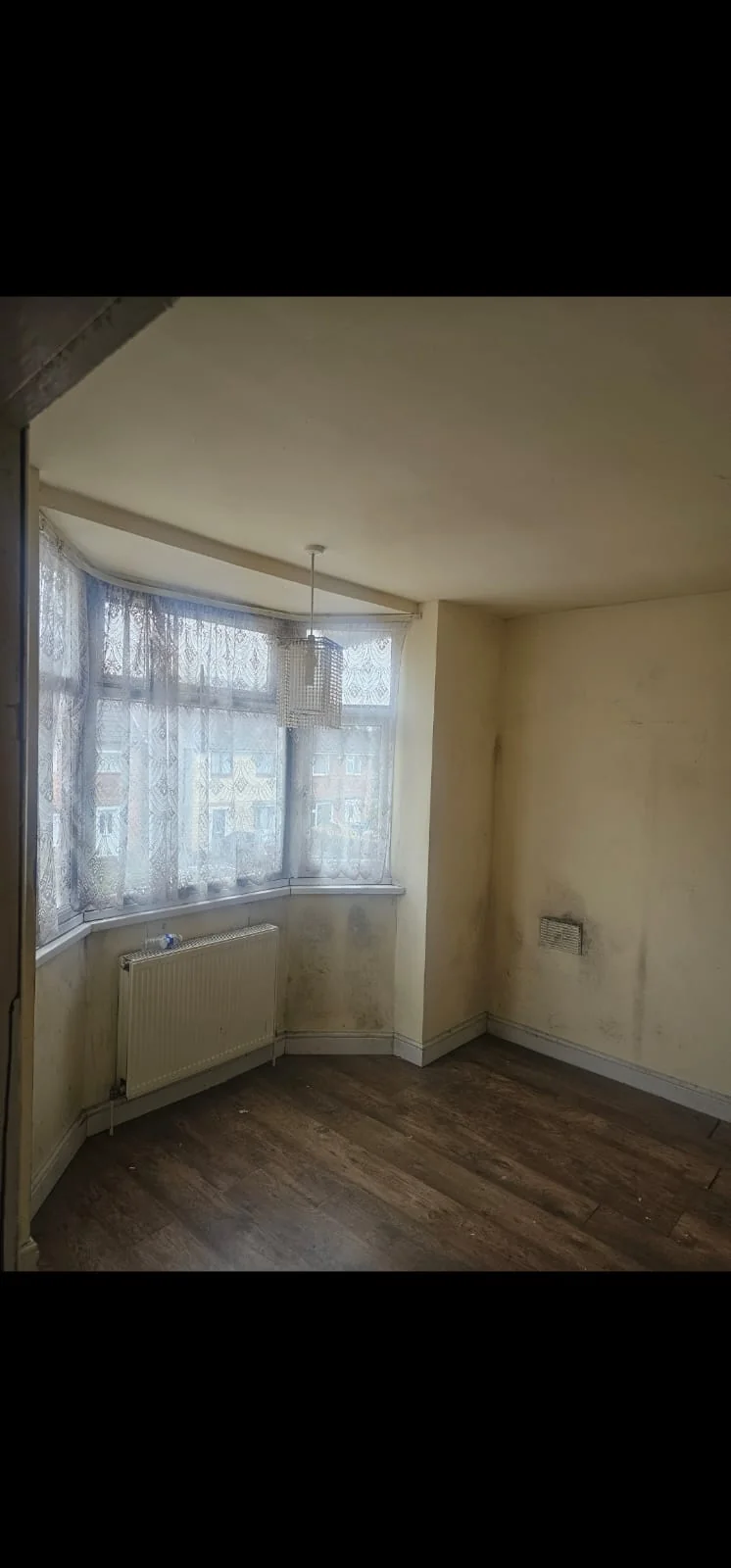
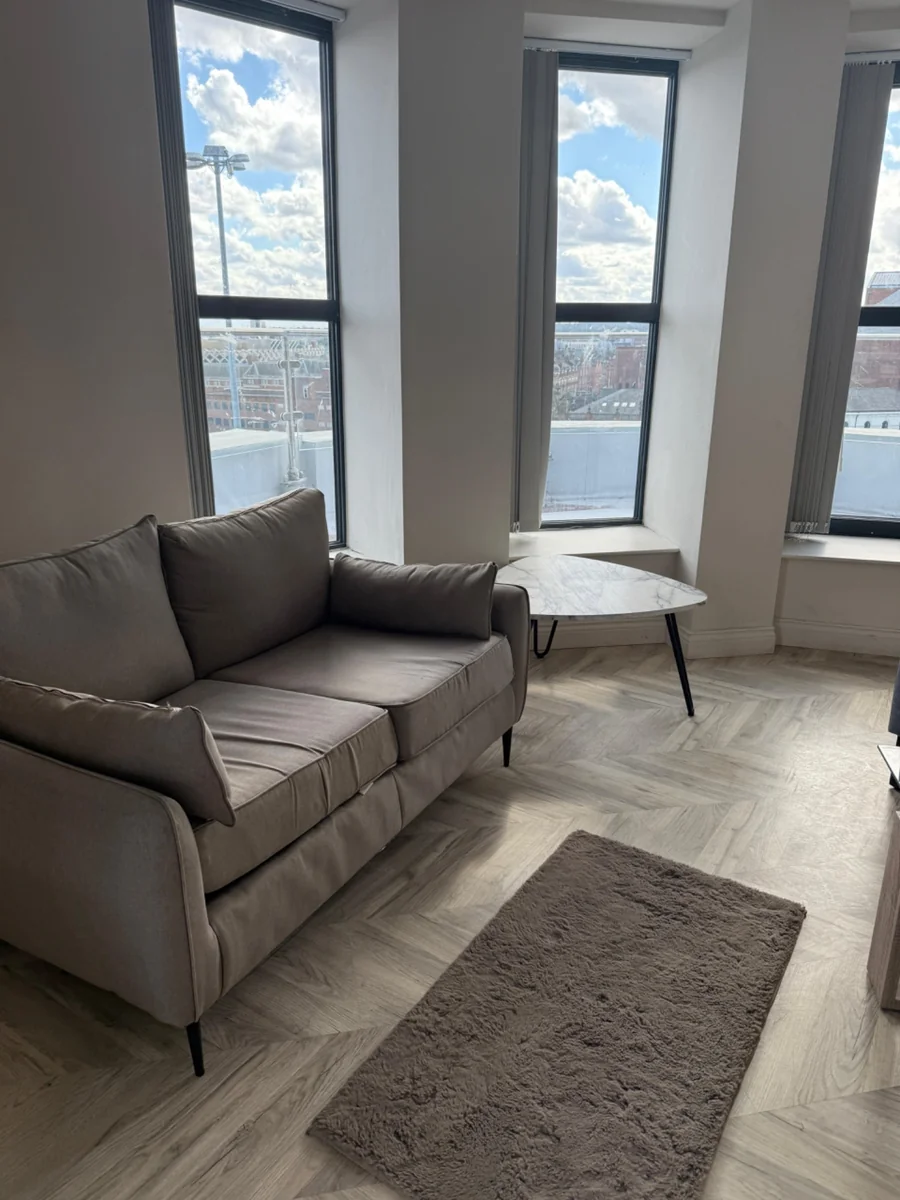
Start with the whole space, add the relevant detail, then explain the change you want. Photos support a conversation; they do not replace every site check.
Begin with a wide view
Show where the work sits in the room. For a kitchen enquiry, this might be a view from the doorway and another from the opposite side. For decorating, include the walls and ceiling you want discussed. For a door, show the door and surrounding frame from a normally accessible position.
Hold the phone steady and use the available light so the subject is easy to see. Keep a useful view of the space around it. An extreme close-up can hide the context that explains what the photograph is about.
Add details that answer a question
After the room view, choose a few details that relate directly to your enquiry. A visible damaged finish, the area around a fitting or the junction between two surfaces may help explain the issue. Include product details only when they are relevant and readable without disturbing anything.
- Kitchen fitting: the existing layout, the planned changes and any supplier drawings.
- Painting and decorating: each relevant surface and close-ups of visible preparation concerns.
- Door installation: the door, frame and surrounding finish.
- Cleaning: the spaces included and any areas needing particular attention.
- Property surveys: the room context, the visible concern and a clear location label.
Label images and explain your aim
Use ordinary names such as ‘kitchen, sink wall’ or ‘first-floor bedroom’. If you include photographs from different dates, say which is the most recent. Do not label a pair ‘before and after’ unless it really shows the same area at those two stages.
Explain whether you want a repair, replacement, assessment or a discussion about options. Add approximate dimensions only if you already have them, and make clear that they are approximate. Measurements and concealed conditions may still need checking in person.
Choose relevance over quantity
Select the clearest photograph of each view instead of sending several nearly identical shots. Keep the originals available in case a more detailed view is requested. Avoid filters that change how a surface or colour appears.
Before sharing, check the frame for private paperwork, people or security details that do not need to be included. Take photographs only from safe, accessible positions. You do not need to open covers, expose wiring, move heavy items or climb to get an enquiry photograph.
Send a complete first message
Alongside the images, include the postcode, property type, a short description of the work and your preferred timing. Mention access restrictions and whether the property is occupied. If several services are involved, say so at the beginning.
Our enquiry page helps you prepare a message to info@midlandspropertyco.co.uk. Review the draft, attach the photographs in your email app and send it when you are ready. An enquiry starts the conversation; the scope, availability and any visit needed are confirmed directly.